Software
Real Estate CRM Software: Why Builders and Brokers Need It
Real estate CRM software captures property leads from portals, ads, websites and WhatsApp, assigns them to sales staff, schedules follow-ups and site visits, tracks unit inventory and bookings, and manages payment schedules and channel partners. It helps builders and brokers convert more leads, avoid double-selling and see which marketing channels bring real buyers.
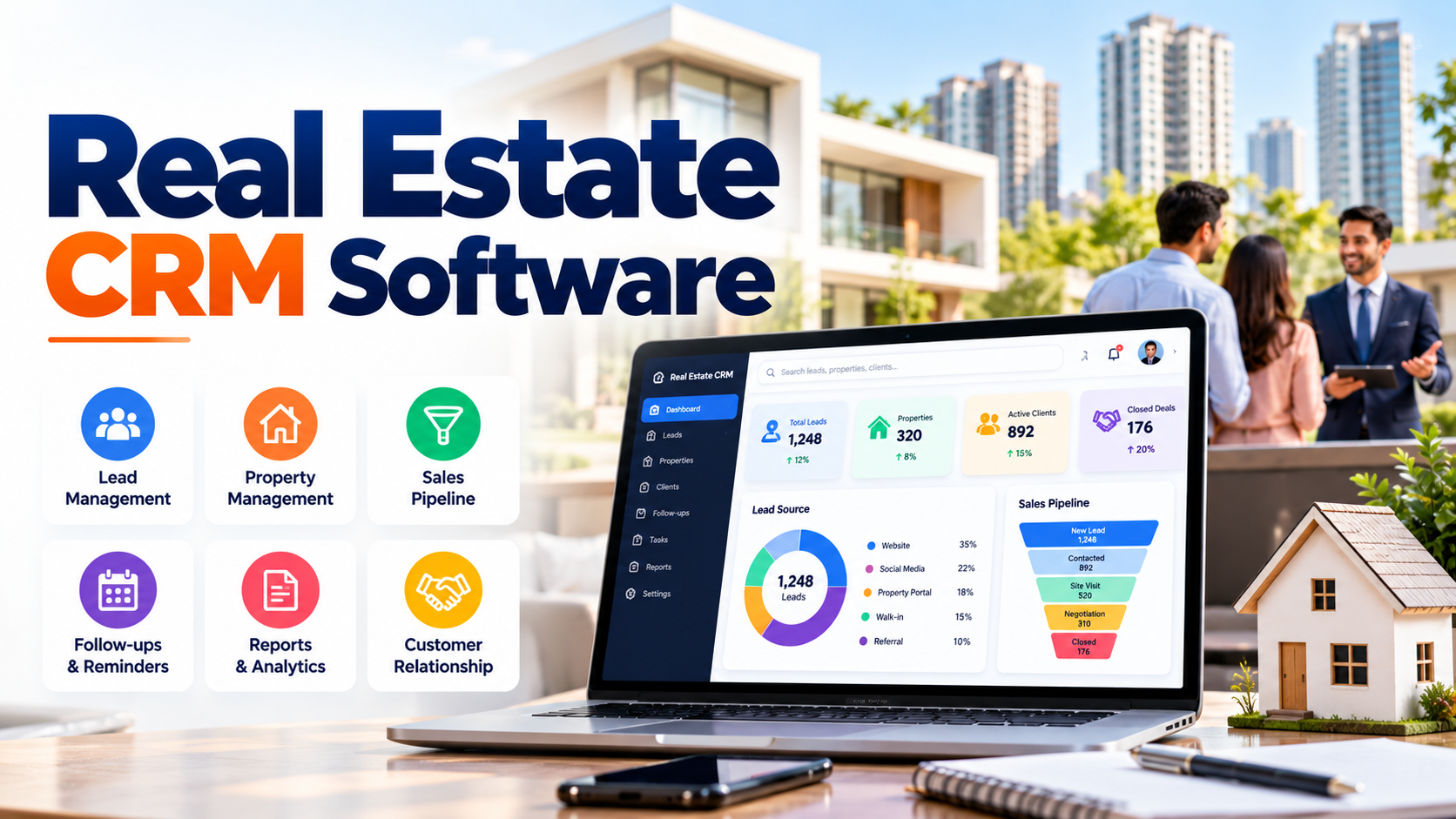
In real estate, every lead costs money and every delay can cost a sale. Enquiries arrive from property portals, Google and Facebook ads, the website, WhatsApp, walk-ins and channel partners. Without a system, leads sit in phones and notebooks, follow-ups are missed, site visits clash, and buyers go to the competitor who called back first.
Real estate CRM software brings every lead into one place and tracks the entire journey, from first enquiry to booking, payments and handover.
In this guide:
- The real estate sales funnel in a CRM
- 9 key features of real estate CRM
- Benefits for builders and brokers
- How to choose the right CRM
- Common mistakes and FAQs
The Real Estate Sales Funnel in a CRM
- Lead capture: enquiries arrive automatically from portals, ads, website and WhatsApp.
- Assignment: leads go to the right salesperson by project, location or rule.
- Follow-up: calls, messages and reminders until the buyer is ready.
- Site visit: scheduled, confirmed and recorded with feedback.
- Negotiation: cost sheets, offers and approvals.
- Booking: unit blocked, booking amount recorded, documents generated.
- Payments: instalments and demands tracked against the payment plan.
- Handover and after-sales: possession, documentation and service requests.
9 Key Features of Real Estate CRM
Feature | What it does |
|---|---|
Multi-source lead capture | Pull leads from portals, ads, website and WhatsApp automatically |
Lead assignment rules | Distribute leads fairly by project, area or team |
Follow-up reminders | Tasks and alerts so no lead goes cold |
Site visit scheduling | Plan, confirm and record visits with feedback |
Inventory management | Live availability of units, floors, plots and pricing |
Cost sheets & booking | Generate cost sheets, record bookings and documents |
Payment schedules | Track instalments, demands, receipts and dues |
Channel partner management | Manage brokers, their leads and commissions |
Reports & analytics | Lead source ROI, conversion rates, team performance |
Benefits for Builders and Brokers
More conversions
Faster, consistent follow-up on every lead.
Know which marketing works
See which portal or ad brings bookings, not just enquiries, and spend accordingly.
No double-selling
Real-time inventory shared across sales and channel partners.
Better cash flow
Timely payment demands and reminders reduce delays.
Team accountability
Clear view of each salesperson's pipeline and activity.
Better customer experience
Buyers get timely updates, documents and payment reminders.
How to Choose the Right Real Estate CRM
- Integrations: does it connect to the portals and ad channels you use?
- Inventory type: flats, plots, villas or commercial units?
- Mobile app: can sales staff update leads and visits from the field?
- Payment plans: does it handle construction-linked and other schedules?
- Channel partners: can brokers register leads and track commissions?
- Ease of use: will your sales team actually use it daily?
- Demo with your data: test it with one of your real projects.
Expert tip: set a rule that every lead must have a next follow-up date. CRMs fail when leads are left without a clear next action.
Common Mistakes
- Allowing staff to keep leads on personal phones outside the CRM.
- Not integrating portals, so leads are typed manually.
- Ignoring lead source tracking, wasting ad budget.
- Separate systems for sales and payments.
- No training or adoption plan for the sales team.
Frequently Asked Questions
What is real estate CRM software? Software that manages property leads, follow-ups, site visits, inventory, bookings and payments in one place.
Is CRM useful for small brokers? Yes. Even small teams gain from organised leads and reminders.
Can CRM capture leads from property portals automatically? Many CRMs integrate with portals and ad platforms; confirm the sources you use.
Does real estate CRM handle payments after booking? Good real estate software tracks payment schedules, demands and receipts too.
Can channel partners use the CRM? Many systems offer a broker portal to register leads and track commissions.
Is there a mobile app for sales staff? Most modern real estate CRMs include mobile access for field teams.
Sell more properties with Sysfo
Sysfo's Real Estate Management Software helps builders and brokers manage leads, inventory, bookings and payments in one system. For lead handling across any business, see our Enquiry Management System.