
Rejected by App Store review
Missing account deletion, unclear privacy answers, login rules or in-app purchase issues send the build back again and again.
iPhone users expect apps that are smooth, private and consistent with the rest of their device — and Apple's review team checks that you deliver. We design and build native iPhone and iPad apps in Swift and SwiftUI, handle TestFlight and App Store review, and support them through every new iOS release, drawing on 21 years of software delivery.
Common iOS app challenges
Apple's platform rewards quality, but it is unforgiving of shortcuts. These are the problems businesses bring to us most often.
Missing account deletion, unclear privacy answers, login rules or in-app purchase issues send the build back again and again.
Android-style navigation and controls on iPhone make the app feel cheap to the customers who expect the most.
Each September brings a new iOS version, and outdated code starts crashing or showing layout glitches.
Unsure when Apple requires in-app purchase and when you can take payment through your own gateway.
Privacy nutrition labels, tracking permission prompts and privacy manifests that need to match what the app really does.
A stretched iPhone layout on iPad, when your business users actually work on tablets all day.
Our iOS app development services
Native apps for Apple devices, with the backend, admin panel and integrations to run them.
Native apps written in Swift and SwiftUI, tailored to your users and brand.
Read more about Custom iPhone App DevelopmentDesigns that follow Apple's Human Interface Guidelines, with Dynamic Type and dark mode.
Read more about iOS UI/UX DesignSplit View, keyboard and Apple Pencil support for apps used at work on tablets.
Subscriptions with StoreKit, Apple Pay and Indian payment gateways where permitted.
Read more about Apple Pay & In-App PurchaseBeta testing, App Store Connect set-up, listings and review handling.
Read more about TestFlight & App Store LaunchKeychain, Face ID, privacy labels and secure APIs for sensitive data.
Read more about Privacy & SecurityHome-screen widgets, Live Activities, push notifications and Apple Watch companions.
Move older Objective-C or UIKit apps to modern Swift without a risky rewrite.
Updates for each new iOS release, crash fixes and new features each month.
Read more about iOS App Maintenance
Native Swift development
We build new iOS apps in Swift with SwiftUI for the interface, using UIKit where a screen needs it, and a clear architecture with async/await networking and SwiftData or Core Data for local storage. Native code means the smoothest scrolling, the fastest launch and day-one access to new Apple features, and a structured codebase means any iOS developer can maintain it after us.
Human Interface Guidelines design
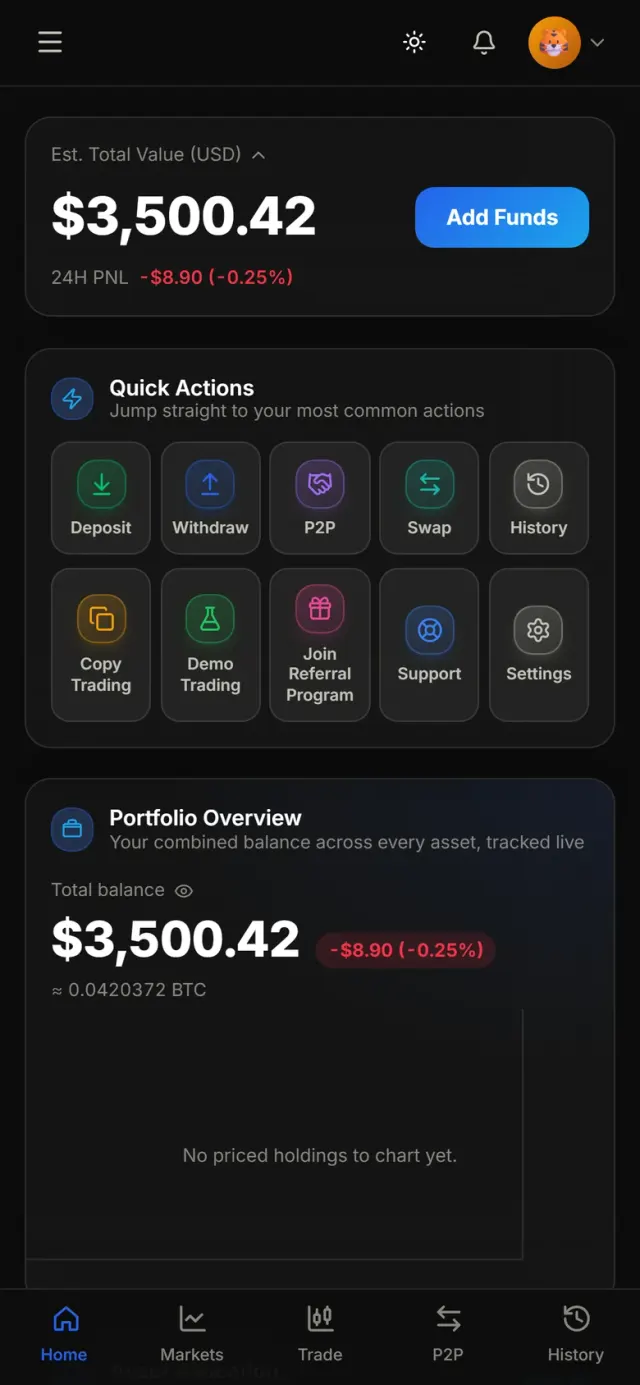
Our designers follow Apple's Human Interface Guidelines: native navigation and tab bars, SF Symbols, system gestures, Dynamic Type for larger text and full dark-mode support. We prototype in Figma, test on real iPhones of different sizes, and adapt layouts properly for iPad rather than stretching the phone design. The result feels familiar from the first tap, which is what keeps people using it.
Apple Pay, subscriptions and in-app purchase
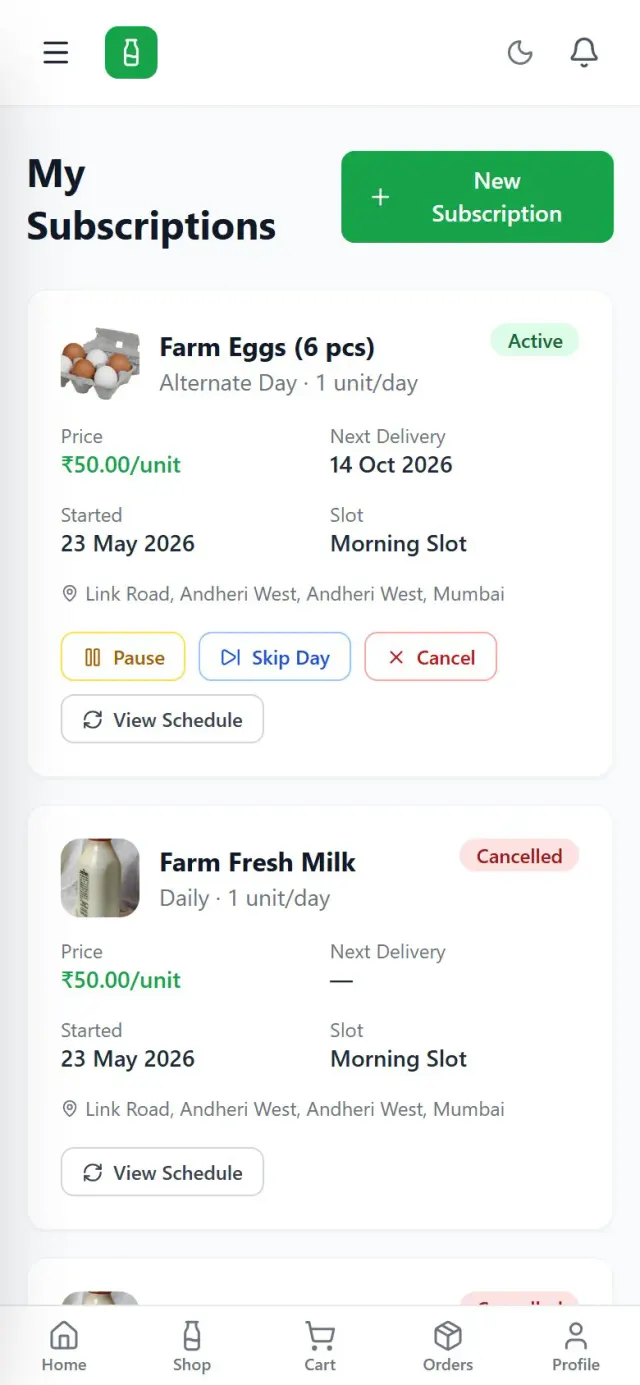
Apple has clear rules on what must be sold through in-app purchase and what can go through your own payment gateway. Physical goods and real-world services, such as deliveries or bookings, can usually use Razorpay or Apple Pay; digital content and subscriptions generally need StoreKit. We design the payment flow to fit those rules from the start, so the App Store review doesn't force a rebuild.
TestFlight and App Store submission
We set up App Store Connect in your name, ship weekly builds through TestFlight so your team can test on their own iPhones, and automate builds with Xcode Cloud or Fastlane. Before submission we check the app against Apple's App Review Guidelines — account deletion, login options, privacy answers, payments and metadata — so the first review is usually the last.

Privacy and iOS app security
iPhone users are privacy-conscious and Apple makes every app declare what data it collects. We collect only what the app needs, store secrets in the Keychain, protect sensitive screens with Face ID or Touch ID, and secure API traffic end to end. Your privacy nutrition label, tracking permission prompt and privacy manifest are prepared to match exactly what the code does.
What you get
Our iOS app development services end with your app on the App Store and the code, accounts and documentation in your hands.
Release health
iOS roadmap
Our iOS development process
Clear scope, two-week sprints and a TestFlight build every week, so you try the app on your own iPhone as it grows.
Your goals, users, devices and monetisation model, and whether native iOS is the right choice.
Screens, architecture, App Store considerations and a fixed, itemised quote.
Wireframes and a clickable prototype that follow Apple's Human Interface Guidelines.
SwiftUI sprints with demos, weekly TestFlight builds and the backend built in parallel.
Device testing, pre-review checklist, App Store submission and phased release.
New iOS version testing every year, crash fixes and feature updates.
Engagement models
A fixed-price build for a defined app, a monthly developer for an evolving roadmap, or a focused upgrade.
Fixed price
A complete native app with a defined scope.
Monthly
A Swift developer working through your backlog.
Per project
Modernise or fix an existing iPhone app.
Why Sysfo for iOS
We treat the Human Interface Guidelines and App Review Guidelines as part of the brief, not as hurdles at the end.
Payments, login options, account deletion and privacy answers are planned in the scope, not discovered at submission.
We design for iOS conventions rather than copying the Android screens, so the app feels at home on iPhone.
The same team builds your admin panel, APIs and Android version, so features stay consistent everywhere.
We test against Apple's beta releases every summer so your app is ready when the new iOS ships.
Each release is priced feature by feature after discovery, with no open-ended hourly billing.
App Store Connect, certificates and source code stay in your name; we sign an NDA on request.
FAQ
Our iOS app development services cover discovery, iPhone and iPad UI/UX design to Apple's guidelines, native development in Swift and SwiftUI, backend APIs and an admin panel, payments and in-app purchases, TestFlight beta testing, App Store submission and ongoing updates for new iOS versions. We can also take over and modernise an existing iPhone app.
The cost of iPhone app development depends on the number of screens and user roles, payment and subscription needs, integrations, iPad or Apple Watch support and the admin panel. We give you a fixed, itemised quote after a short discovery call, so you see the cost of each feature and can phase the scope. Apple's developer programme fee is paid directly by you to Apple.
A focused iPhone app with an admin panel usually takes 8 to 14 weeks from scoping to App Store approval. Apple's review itself typically takes a day or two, though first submissions can take longer. You receive TestFlight builds every week during development, so you can check progress on your own device.
You don't need a Mac — we build on our own. You do need an Apple Developer Program membership in your own or your company's name, because that is the account the app is published under. We guide you through enrolment, including the D-U-N-S number required for organisations, and set up App Store Connect for you.
Native Swift gives the best performance, the most iOS-like feel and immediate access to new Apple features such as widgets and Live Activities. Flutter or React Native are better value when you need Android and iOS from one codebase. For apps aimed mainly at iPhone users, or with heavy device integration, we recommend native iOS app development.
Common reasons are crashes or incomplete features, missing in-app account deletion, privacy answers that don't match the app, selling digital content outside in-app purchase, unclear metadata and missing demo login details for the reviewer. We run a pre-submission checklist against Apple's guidelines and handle any feedback until the app is approved.
Yes. We design adaptive layouts so the same app works properly on iPad with Split View, keyboard shortcuts and Apple Pencil where useful. We can also add home-screen widgets, Live Activities and an Apple Watch companion app for quick actions and notifications.
You do. The app is published under your Apple developer account, and the Swift source code, Xcode project, designs and certificates are handed over to you. We keep code in a repository you control, so you can continue with us, your own team or another vendor in future.
Yes. Apple releases a major iOS version every year. Our maintenance plans include testing against the beta, fixing compatibility issues before release day, updating to new SDK requirements, crash monitoring and a set amount of feature work each month, with response times agreed in writing.
Start your iPhone app
Tell us what your iPhone app should do and who it is for. An iOS specialist will call you back within one business day and send a free, itemised estimate after the call.