
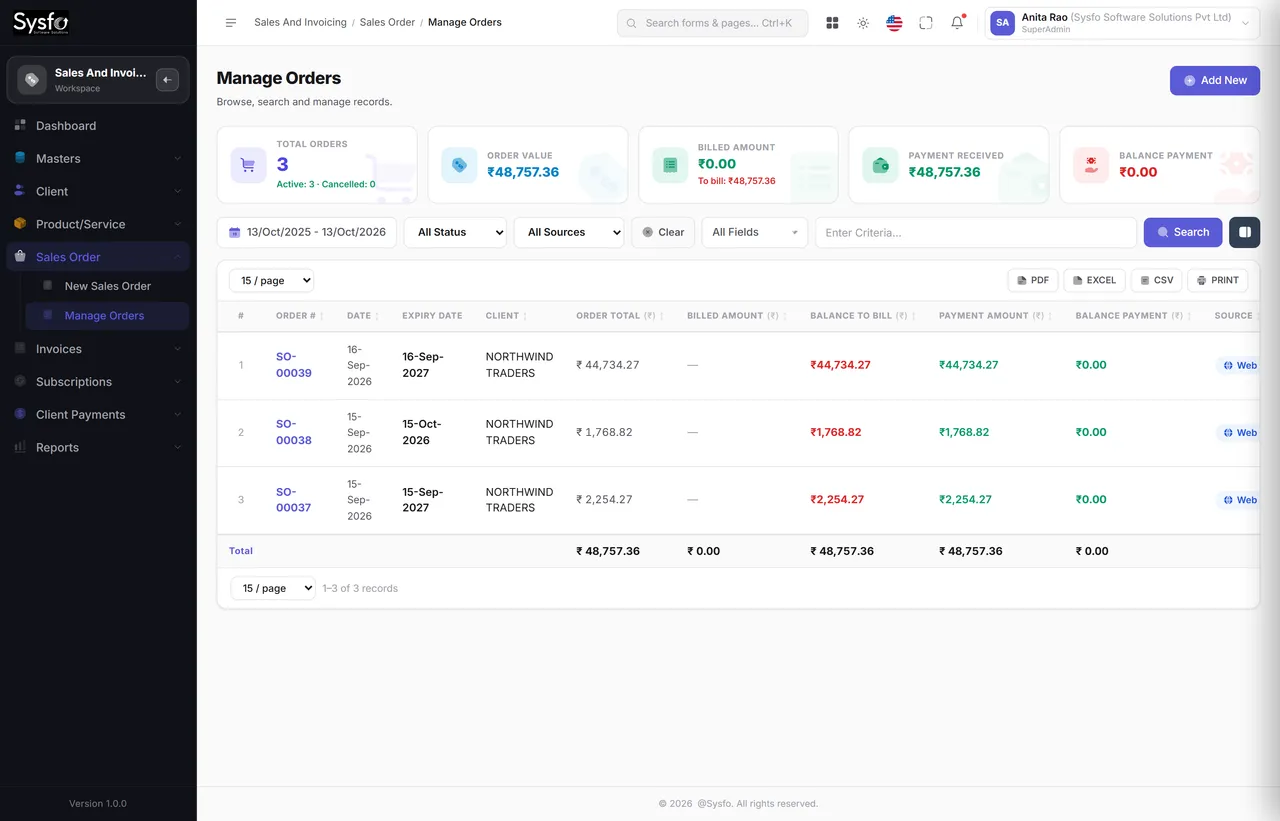
Bill in parts
Few jobs are billed in one go. Raise as many invoices against an order as the work needs — ordered, billed and remaining stay straight per line.
Clients, catalogue, sales orders, part-invoicing, returns, receipts, advances and subscription renewals — fifty-six screens and thirty-three reports, all built on one client record.
Why Sysfo Sales & Invoicing
Most billing problems are copying problems — an item missed between the order and the invoice, a discount applied before tax instead of after, a receipt nobody matched to a bill. Here the GST invoice is generated from the order, and the receipt against the invoice, so the three can never disagree.
Few jobs are billed in one go. Raise as many invoices against an order as the work needs — ordered, billed and remaining stay straight per line.
Receive against one invoice or several, in part or in full, in any mode — with advances taken on the order and adjusted later.
HSN / SAC per line, discount apportioned onto the lines so tax falls with it, TDS on receipt, and a tax summary for each.
The chain
One record with GSTIN, addresses and terms.
Items, discount and tax; advance if taken.
Part or full, against that order.
Against one bill or many.
Subscription lines come round again.
Work delivered but never invoiced, because the order was closed in somebody’s head. Payments received but never matched, so a client is chased for money they already sent. Renewals that lapse quietly. None of these are accounting errors — they are tracking ones.
Billed against ordered on every line, receipts attached to bills, and a dated list of what is expiring. The month-end question becomes “approve this” rather than “reconstruct this”.
Clients & catalogue
The client you invoice is the same record that raises support tickets, holds subscriptions and signs into the Client Panel — so a client’s history is one page, not four systems.
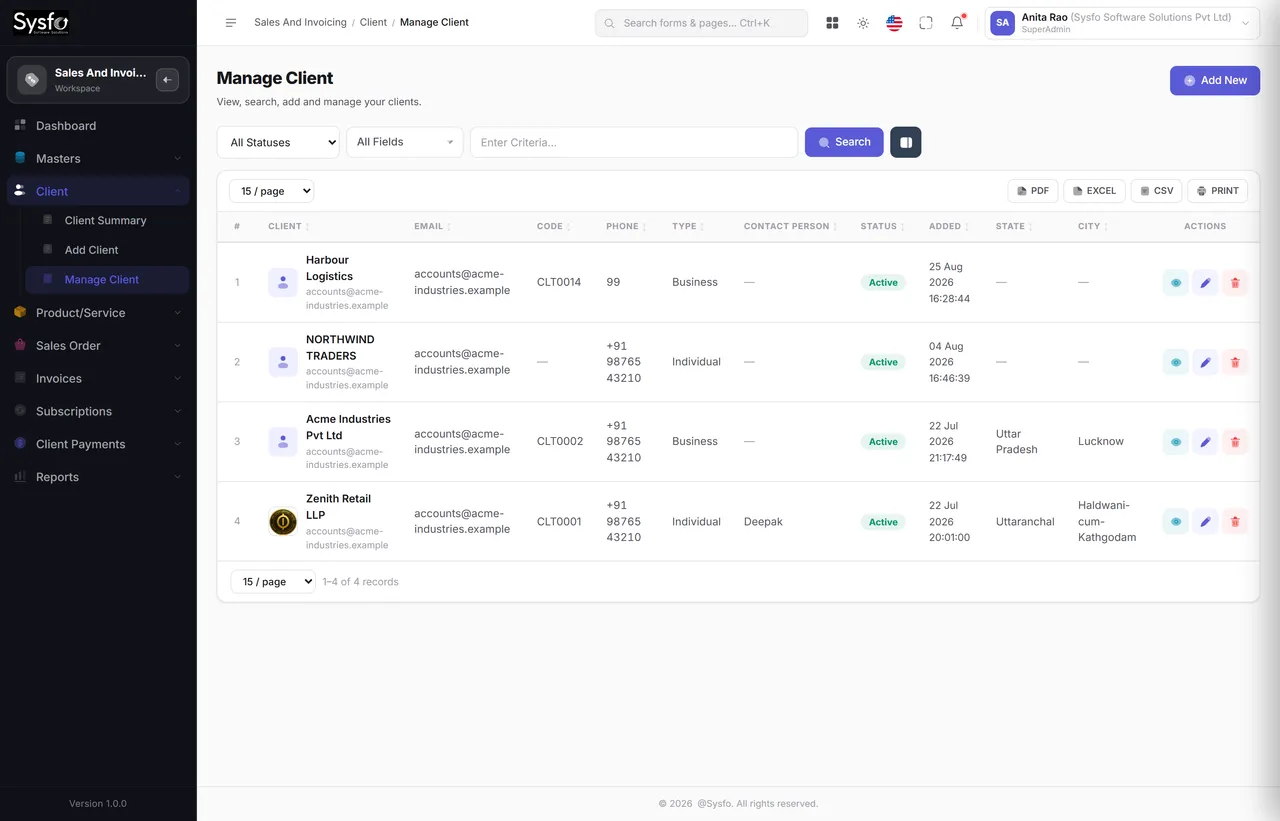 Enlarge
Sold once, used everywhere
If the E-Commerce module is switched on, the storefront sells from these products at these prices with these discounts, and a web order arrives here as a sales order tagged Web — so online and offline add up to one sales figure.
Both live in one catalogue with their own HSN or SAC and tax rate, so a bill that mixes hardware and labour is still correct.
Size, colour or capacity are attributes of one product rather than a dozen near-duplicate records nobody can keep priced.
A discount is apportioned onto the lines, so GST falls with it — rather than being deducted after tax and quietly misstating the return.
Orders & GST invoicing
Generate Invoice works against the order, line by line. It knows what has already been billed, so the second invoice offers only what is left.
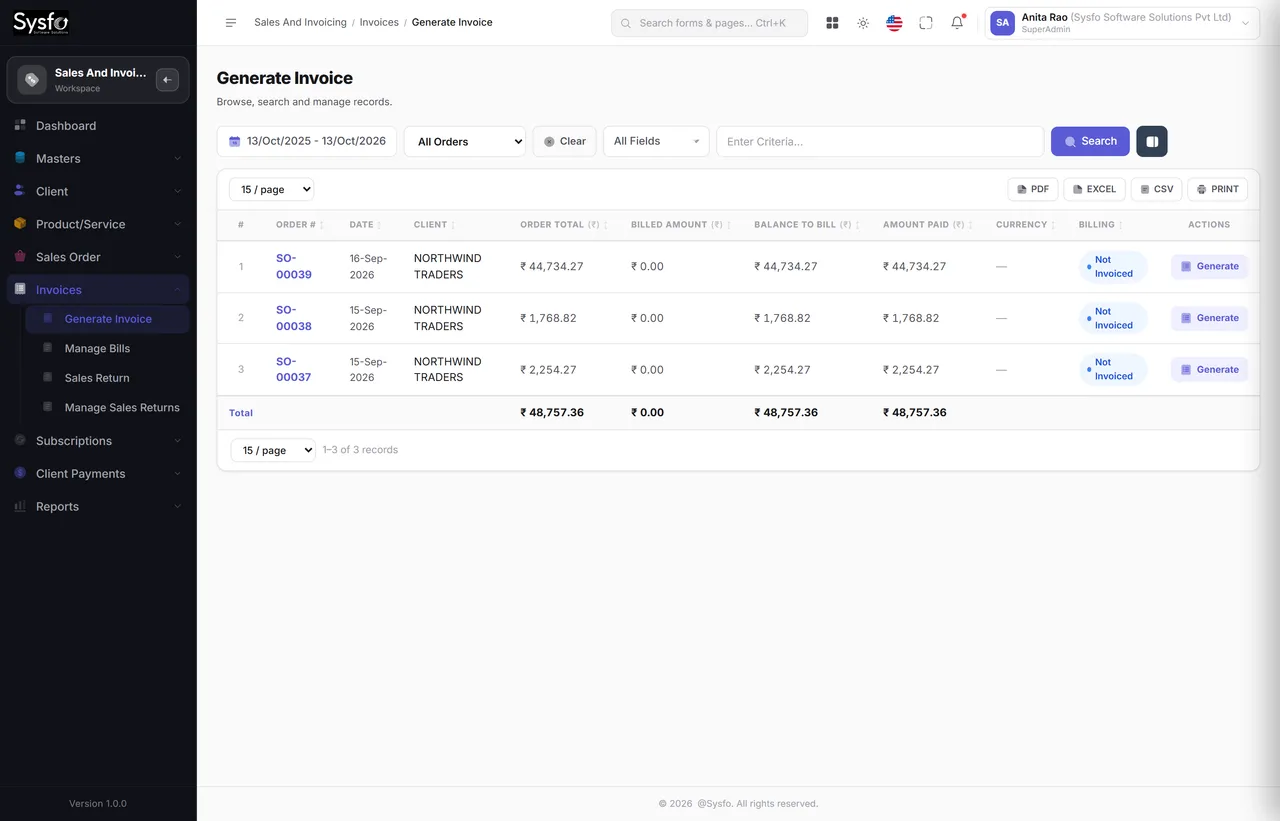 Enlarge
Your client is told
Order confirmations, invoices, receipts and renewal notices go out by Email, SMS and WhatsApp from templates you control, with the PDF attached.
Dear Acme Industries, we have received ₹1,34,520.00 against invoice INV-2026-0188 on 05-Nov-2026. Receipt attached. — Sysfo Software Solutions
4:12 PM ✓✓Payments & receivables
Receipts attach to bills, advances sit against orders until adjusted, and every unpaid rupee lands in an ageing bucket you can open.
| Client | Not due | 0–30 | 31–60 | 61–90 | 90+ | Total |
|---|---|---|---|---|---|---|
| Acme Industries Pvt Ltd | 1,04,548 | — | — | — | — | 1,04,548 |
| Northwind Traders | — | 62,300 | 18,900 | — | — | 81,200 |
| Zenith Retail LLP | — | — | — | 44,100 | 27,600 | 71,700 |
| Harbour Logistics | 36,000 | 12,400 | — | — | — | 48,400 |
| 4 clients | 1,40,548 | 74,700 | 18,900 | 44,100 | 27,600 | ₹3,05,848 |
Collections
Outstanding invoices, oldest first.
Bucketed 0-30 through 90+, per client.
Email, SMS and WhatsApp from your templates.
Matched to the bill, in part or in full.
Client ledger agrees with the client.
Subscriptions & renewals
An order line can carry a period — an AMC, a licence, a hosting plan, a domain. From then on the system knows when it ends, warns you before it does, and raises the next order in one step.
| Client | Subscription | Ends | Value | Status |
|---|---|---|---|---|
| Zenith Retail LLP | Website hosting — business | 14-Jan-2027 | 18,000 | 62 days |
| Northwind Traders | Annual Maintenance Contract | 30-Nov-2026 | 96,000 | 48 days |
| Harbour Logistics | Domain — harbourlogistics.in | 21-Nov-2026 | 1,180 | 39 days |
| 3 of 14 expiring | Renew raises the next order | ₹1,15,180 |
Lapsed AMCs and silently expired hosting are revenue that was already won. A dated list and an automatic reminder turn that from a memory problem into a screen somebody clears each week.
A renewal is an ordinary sales order, so it invoices in parts, collects against the bill, and appears in the sales reports beside new business — rather than in a separate spreadsheet of recurring accounts.
Sales & GST reports
Each one filters by date and what matters to it, searches across the columns on screen, lets you pick your columns and exports.
Every screen in the module
All fifty-six screens in the Sales & Invoicing module.
Part of Sysfo ERP
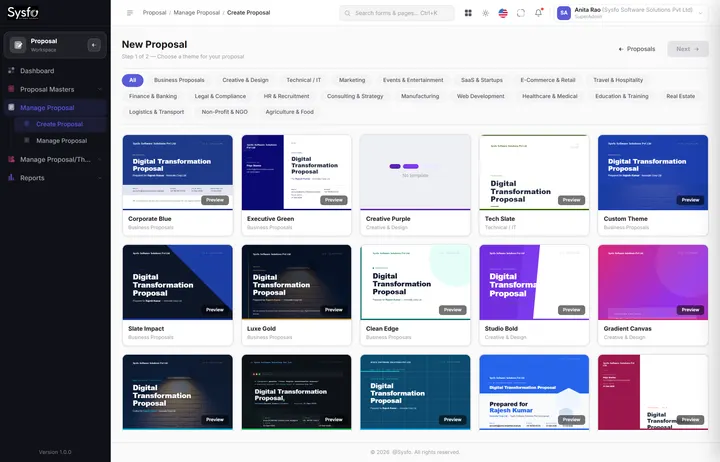
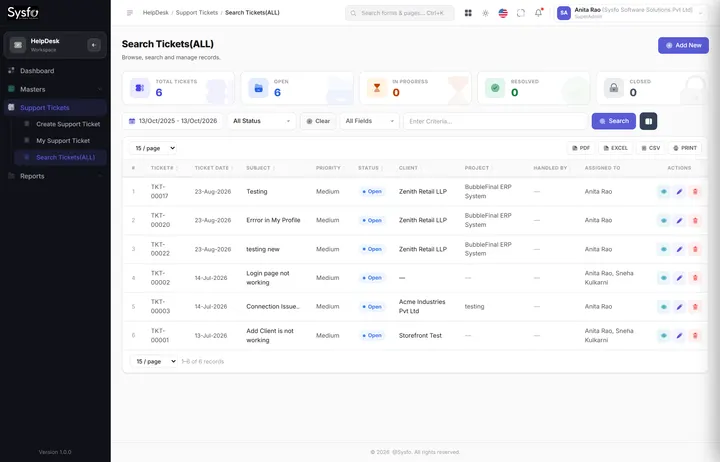
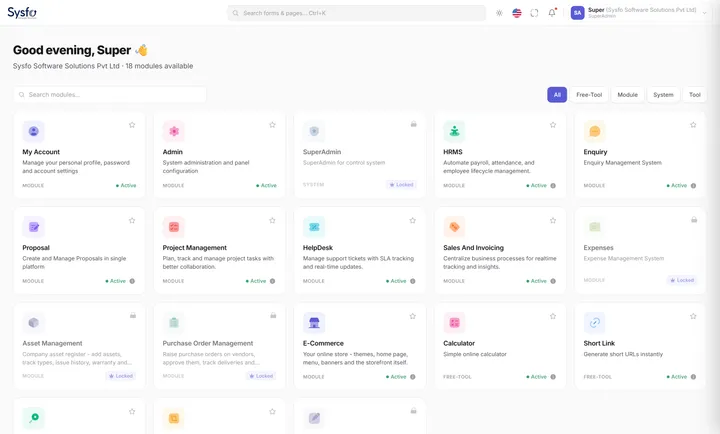
GST Billing & Invoicing Software runs on its own, or alongside the other Sysfo ERP modules on one login and one set of records.
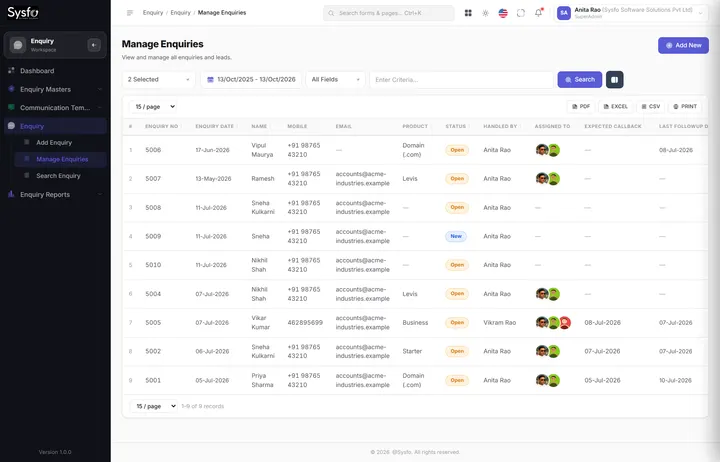
FAQ
It is the Sales & Invoicing module of Sysfo ERP: clients, a product and service catalogue, sales orders, GST invoices, sales returns, receipts, advances and subscription renewals — 56 screens and 33 reports built on one client record.
Yes. Generate Invoice works line by line against the order and knows what has already been billed, so you can raise as many part-invoices as the work needs while ordered, billed and remaining stay correct.
Every product or service carries HSN or SAC and a tax rate, discounts are apportioned onto the lines so GST falls with them, and reports cover HSN / SAC summaries, tax collection and TDS deducted on receipts.
Yes. Receipts can be taken against one invoice or several, in part or in full and in any mode. Advances taken on an order are held until they are adjusted against the bill.
Yes. A sales return is raised against an invoice, a credit note is created automatically and the stock is added back when the return is confirmed.
Yes. Subscription lines such as AMCs, hosting and domains appear in Expiring Subscriptions before they lapse, and invoices, receipts and renewal reminders go out by Email, SMS and WhatsApp with the PDF attached.
Get started
We set up your financial year, tax rates, numbering and invoice template, bring your clients, products and opening balances across, and train the people who raise orders and collect money.
Order to invoice to receipt, on the kind of work you actually sell.
Taxes, numbering, templates, and your clients, products and outstanding balances.
Sales, billing and collections, with support through your first month-end.