Business
AI Agents for Business: Use Cases and How to Build One in 2026
An AI agent is software powered by a large language model (LLM) that can understand a goal, decide the steps, and take actions using your business tools, such as looking up orders, updating a CRM, creating invoices or sending WhatsApp messages. AI agent development connects the AI to your data and systems with clear permissions and human approval for important actions.
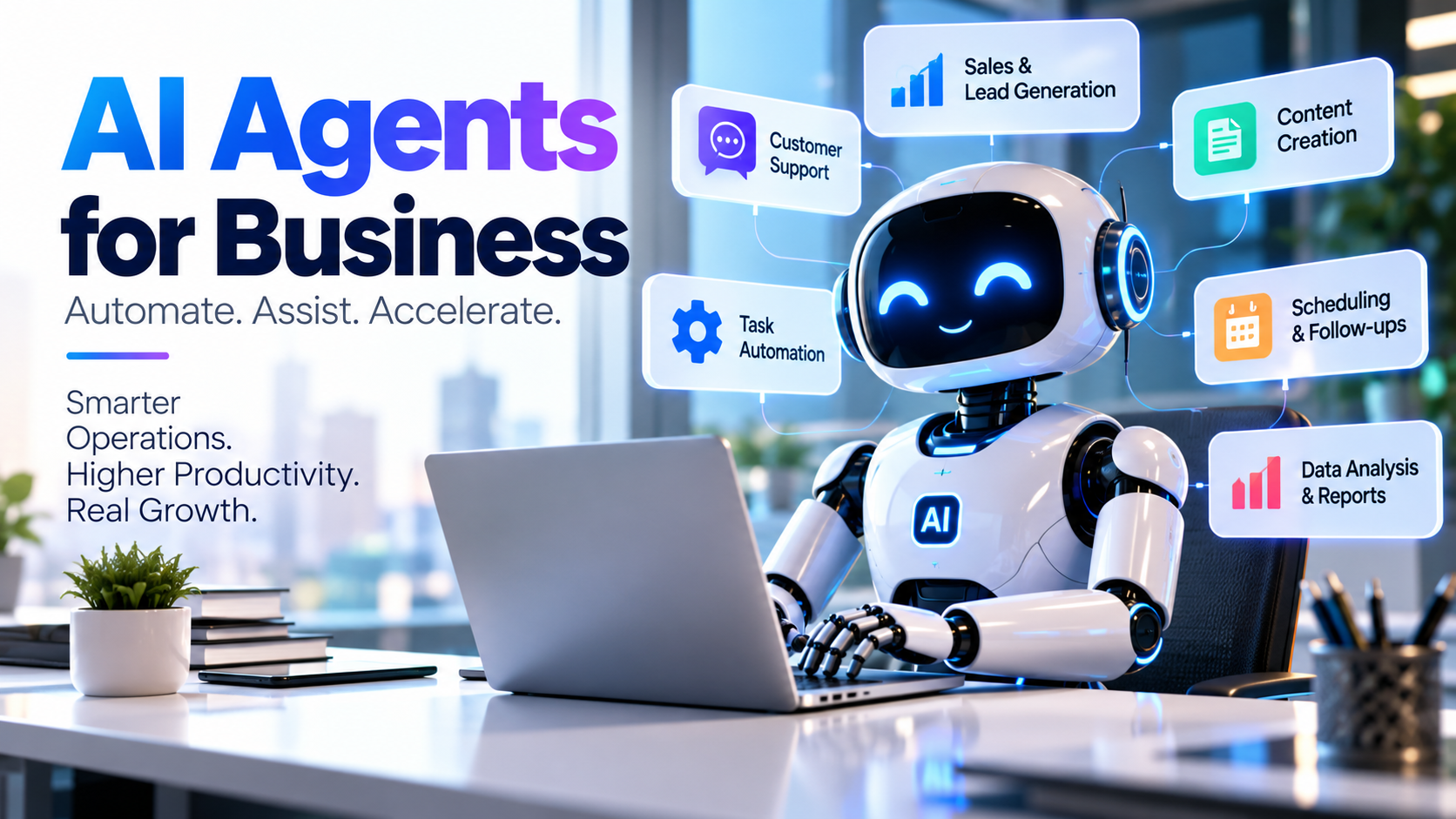
In 2026, "AI agents" moved from tech demos to real business tools. Instead of only answering questions like a chatbot, an agent can do things: check stock, raise a ticket, follow up a lead, or prepare a report. For Indian SMEs, this is a practical way to save hours of repetitive work every week.
This guide explains what AI agent development involves, where agents add value, how they are built and what to watch out for.
In this guide:
- AI agent vs chatbot: the difference
- 10 business use cases
- How an AI agent works
- Steps to build one
- Costs, risks and FAQs
AI Agent vs Chatbot
Traditional chatbot | AI agent | |
|---|---|---|
What it does | Answers questions from scripts or FAQs | Plans steps and takes actions toward a goal |
Uses your systems | Rarely | Yes, through APIs and tools |
Handles new situations | Poorly | Reasons through them within limits |
Example | "What are your hours?" | "Find unpaid invoices over 30 days and send reminders" |
10 AI Agent Use Cases for Businesses
- Sales follow-up: qualify new leads and schedule follow-ups in the CRM.
- Customer support: answer order and account questions using live data, escalate complex cases.
- Collections: find overdue invoices and send polite reminders.
- Reporting: answer "What were last month's sales by region?" with a live table or chart.
- HR assistant: answer leave and policy questions, apply leave for employees.
- Inventory alerts: watch stock levels and draft purchase orders for approval.
- Document processing: read invoices or forms and enter data into your system.
- Appointment booking: book, reschedule and remind customers on WhatsApp.
- Internal knowledge assistant: answer staff questions from SOPs and manuals.
- Marketing: draft social posts, emails and ad variations for review.
How an AI Agent Works
The model (brain)
An LLM understands the request and decides what to do next.
Tools (hands)
APIs connected to your ERP, CRM, database, email or WhatsApp let the agent read and act.
Memory and context
The agent uses your business data, documents and conversation history to give relevant answers.
Guardrails
Permissions, limits and human approval stop the agent from taking risky or unauthorised actions.
Steps to Build an AI Agent
- Pick one high-value task that is repetitive and rules-based.
- Map the workflow: inputs, decisions, systems involved and approvals.
- Connect data and tools through secure APIs with read/write permissions.
- Design guardrails: what the agent may do alone and what needs approval.
- Build and test with real examples, including tricky edge cases.
- Pilot with a small team and measure time saved and accuracy.
- Roll out and monitor, reviewing logs and improving prompts and tools.
Expert tip: start with "read-only" agents that answer questions from your data. Once accuracy is proven, allow actions with human approval.
What Affects AI Agent Development Cost
- Number of tasks and systems the agent connects to
- Data preparation and integration effort
- AI model usage costs (usually per request or token)
- Security, permissions and audit logging
- Channels (web, app, WhatsApp, email)
- Ongoing monitoring and improvements
Risks and How to Manage Them
Risk | How to manage it |
|---|---|
Wrong answers (hallucination) | Ground answers in your data; show sources; add approvals |
Data privacy | Role-based access, data masking, compliance with India's DPDP rules |
Unwanted actions | Strict permissions and human-in-the-loop for important steps |
Cost overruns | Usage limits and monitoring |
Common Mistakes
- Trying to automate everything at once.
- Giving the agent broad access to all data.
- No logs to review what the agent did.
- Skipping user training.
- Measuring nothing, so value is unclear.
Frequently Asked Questions
What is an AI agent in simple words? An AI assistant that can take actions in your business systems, not just chat.
Is an AI agent the same as a chatbot? No. Chatbots mainly answer; agents plan and act using tools.
Can AI agents work with my ERP or CRM? Yes, through APIs, with permissions you control.
Are AI agents safe for business data? They can be, with role-based access, logging, data protection and human approvals.
How long does it take to build an AI agent? A focused pilot can be ready in weeks; wider rollouts take longer.
Do small businesses need AI agents? Small teams often benefit most, because agents take over repetitive tasks.
Put AI to work in your business
Sysfo builds AI features into business software, including ERPPilot, our AI assistant that answers ERP questions in plain English on web, app and WhatsApp. Our enterprise software and API development teams connect AI safely to your systems.