Software
How AI Is Changing ERP Software in 2026
AI ERP software lets users ask questions in plain language and get instant reports, charts and Excel files from live business data, without SQL or waiting for the IT team. AI also helps ERP forecast sales and stock, flag unusual transactions, read documents like invoices automatically, and trigger routine tasks, making ERP data useful to everyone, not just analysts.
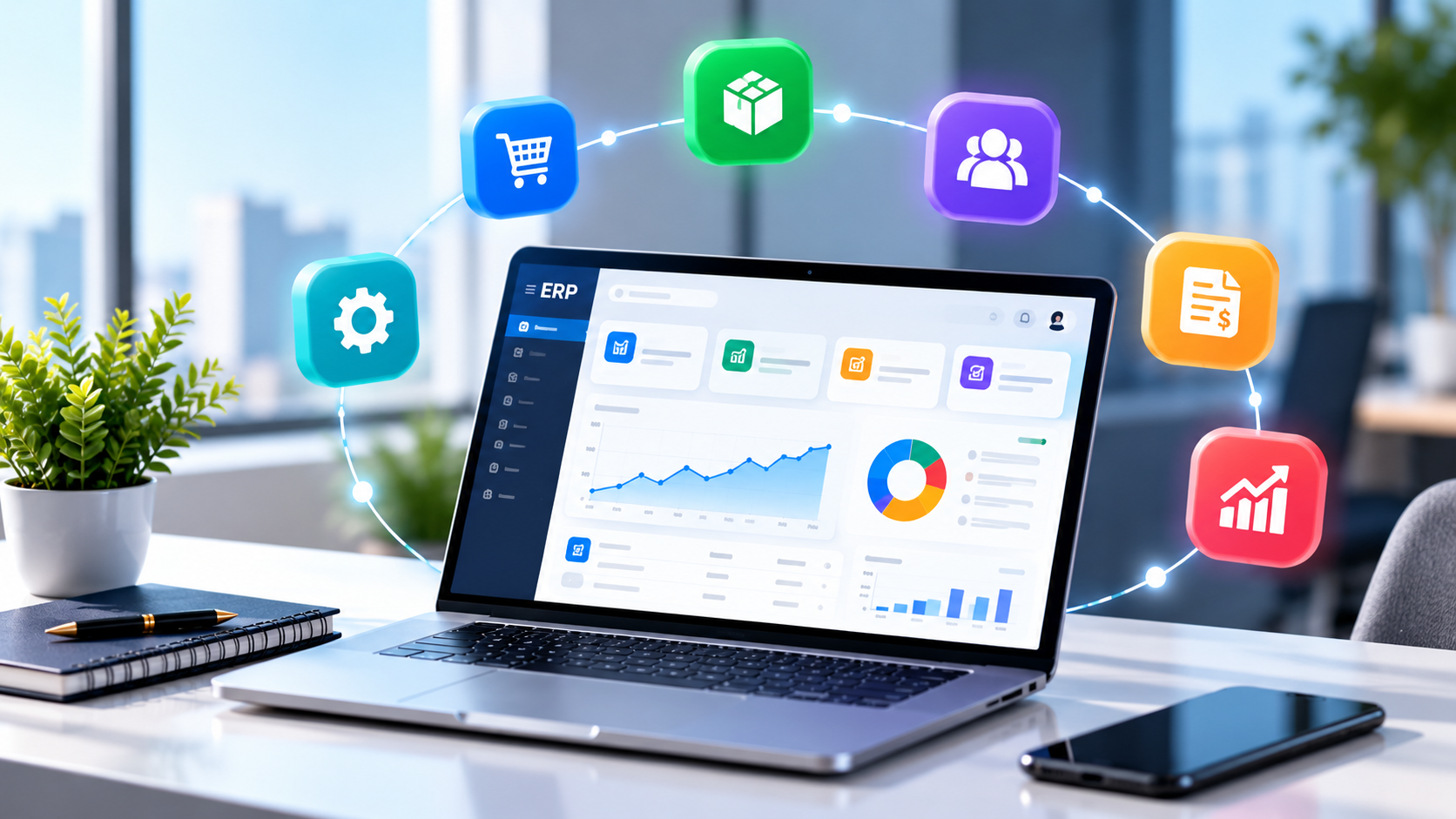
Most businesses already have lots of data in their ERP: sales, purchases, stock, payroll, tickets. The problem is getting answers out of it. Owners wait for someone to build a report, managers export to Excel, and important trends are noticed too late.
AI ERP software changes this. In 2026, AI assistants built into ERP let anyone ask "Which customers owe us more than ₹50,000 for over 60 days?" and get the answer in seconds.
In this guide:
- What AI adds to ERP
- 8 practical AI features in ERP
- Benefits for SMEs
- How to adopt AI in your ERP safely
- FAQs
What AI Adds to ERP
Traditional ERP is a system of record: it stores transactions and produces fixed reports. AI turns it into a system of answers:
Traditional ERP | AI-powered ERP |
|---|---|
Fixed reports built by IT | Ask any question in plain English or Hindi |
Manual data entry from documents | AI reads invoices and forms |
Past data only | Forecasts and trend alerts |
Users must know where to click | Conversational assistant on web, app or WhatsApp |
8 Practical AI Features in ERP
1. Natural-language reports
Ask "Top 10 products by profit this quarter" and get a table, chart, Excel or PDF.
2. AI on WhatsApp
Owners get answers and daily summaries on WhatsApp without logging in.
3. Sales and demand forecasting
Predict sales and stock needs from history and seasonality.
4. Anomaly alerts
Flag unusual discounts, duplicate bills or sudden expense spikes.
5. Document AI
Read vendor invoices, receipts and forms, and pre-fill entries for approval.
6. Smart collections
Prioritise follow-ups by overdue amount and customer behaviour.
7. HR assistant
Answer employee questions on leave balances, payslips and policies.
8. Workflow automation
Trigger reminders, approvals and reports automatically.
Benefits for SMEs
- Faster decisions: answers in seconds, not days.
- Less dependence on IT: managers self-serve reports.
- Better cash flow: smarter collections and expense control.
- Fewer errors: AI checks for anomalies and duplicates.
- Higher ERP adoption: a chat interface is easier than complex menus.
How to Adopt AI in Your ERP Safely
- Clean your master data (customers, items, ledgers) first.
- Start with read-only questions before allowing AI to make changes.
- Respect permissions: AI should only show data the user is allowed to see.
- Keep humans in the loop for approvals and payments.
- Log every AI query for audit.
- Protect personal data in line with India's DPDP rules.
Expert tip: the best first use case is the report your owner asks for every week. Make that instant with AI, and adoption follows.
Common Mistakes
- Adding AI on top of messy data.
- Ignoring role-based permissions.
- Expecting AI to replace the ERP instead of enhancing it.
- No training for users on how to ask good questions.
Frequently Asked Questions
What is AI ERP software? ERP software with built-in AI that answers questions, forecasts, automates tasks and reads documents.
Do I need to change my ERP to use AI? Not always. AI assistants can often connect to your existing ERP through APIs.
Can AI ERP reply in Hindi? Modern AI models understand Hindi and Hinglish questions.
Is my ERP data safe with AI? It should be, with permissions, encryption, logging and secure model usage.
Is AI ERP only for large companies? No. SMEs often benefit most because they have small teams and no dedicated analysts.
Can AI send reports on WhatsApp? Yes, with a WhatsApp-connected AI assistant.
Ask your ERP anything with ERPPilot
ERPPilot is Sysfo's AI assistant for your ERP: ask in plain English and get live tables, charts, Excel and PDF on your website, app and WhatsApp. It works with Sysfo ERP, including GST billing and HRMS.