Software
Payroll Software for Small Business in India: Features, Process and Checklist
Payroll software automates salary calculation by pulling attendance and leave, applying salary structures, deductions and advances, and generating pay slips and bank transfer files. For Indian small businesses, the best payroll software also supports statutory deductions like PF, ESI, professional tax and TDS, and comes as part of an HRMS with employee self-service.
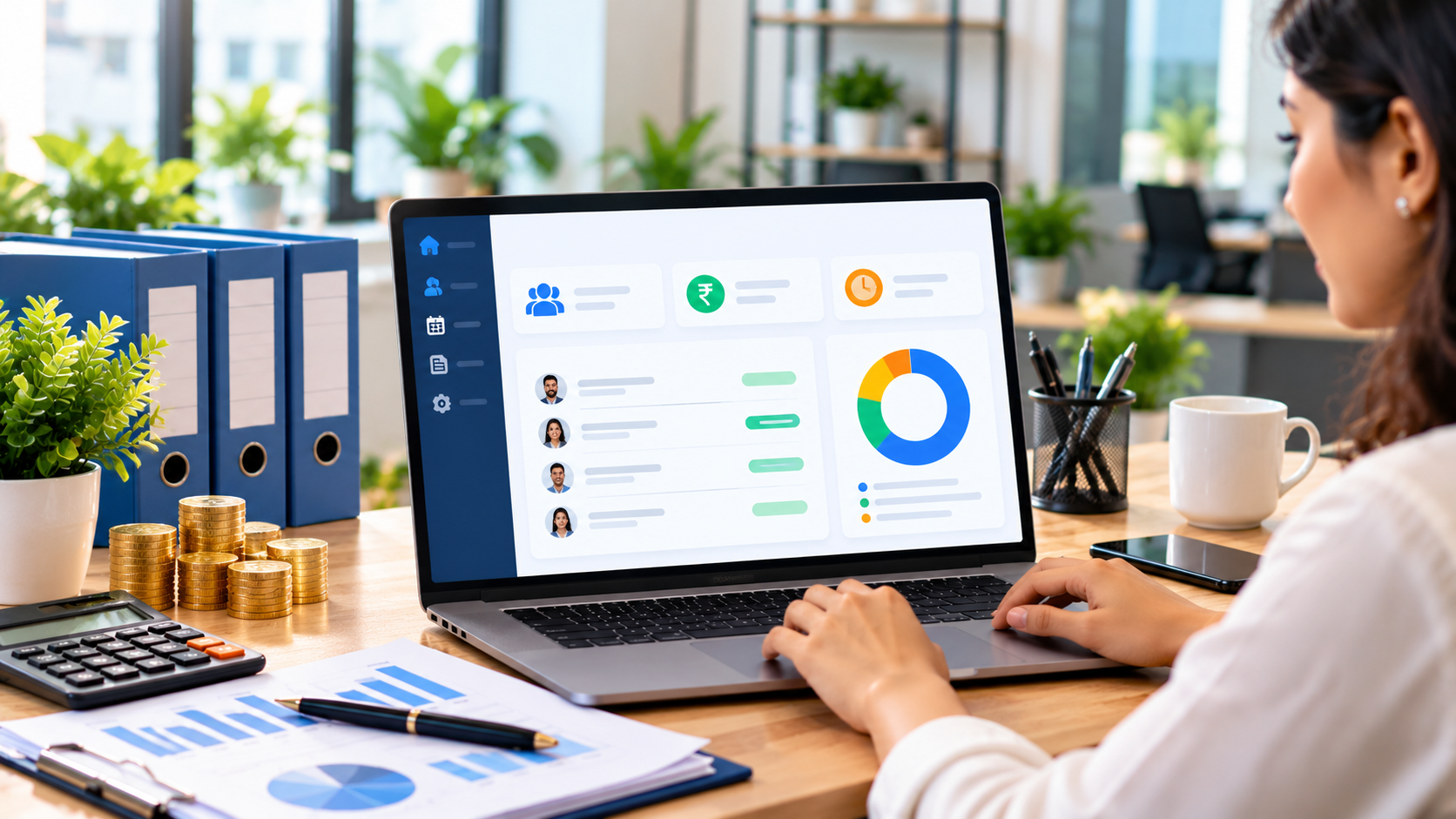
Running payroll in Excel works when you have five employees. At twenty or fifty, it becomes a monthly headache: collecting attendance, adjusting leave and advances, applying deductions, preparing payslips and answering salary questions. One wrong cell can mean an unhappy employee or a compliance problem.
Payroll software India businesses use today solves this by connecting attendance, leave and salary in one system, usually as part of an HRMS (Human Resource Management System).
In this guide:
- How payroll software works, step by step
- 10 must-have payroll and HRMS features
- Statutory compliance support in India
- Benefits for small businesses
- A buyer's checklist and common mistakes
How Payroll Software Works: The Monthly Cycle
- Attendance is captured through biometric devices, mobile check-in or web.
- Leave is applied and approved in the system, updating balances.
- Salary structures are applied: basic, allowances, variable pay.
- Deductions are calculated: statutory deductions, advances, loans and penalties.
- Payroll is reviewed and locked by HR or the owner.
- Payslips are generated and shared with employees.
- A bank transfer file is exported for salary payment.
- Reports are produced for accounts and statutory filing.
10 Must-Have Payroll and HRMS Features
# | Feature | Why it matters |
|---|---|---|
1 | Employee master | One record per employee: documents, bank, salary structure |
2 | Attendance integration | Biometric, mobile or web check-in flows straight into payroll |
3 | Leave management | Leave types, balances, approvals and encashment rules |
4 | Flexible salary structures | Different components for different roles and grades |
5 | Statutory deductions | Support for PF, ESI, professional tax and TDS as applicable |
6 | Advances and loans | Recovered automatically in instalments |
7 | Payslips and HR letters | Payslips, offer, appointment and experience letters in clicks |
8 | Employee self-service | Staff view payslips, apply for leave and download documents |
9 | Approvals on mobile | Managers approve leave, expenses and timesheets anywhere |
10 | Reports & exports | Salary register, bank file, statutory and cost reports |
Statutory Compliance Support in India
Depending on your business size, location and employee salaries, payroll may involve:
- Provident Fund (PF)
- Employee State Insurance (ESI)
- Professional Tax, which varies by state
- TDS on salary under income tax rules
- Labour welfare fund in some states
Good payroll software lets you configure these rules and generates the reports your CA needs. Rates and thresholds change, so always confirm current rules with your CA.
Benefits of Payroll Software for Small Businesses
Accuracy
Automatic calculations remove manual errors and salary disputes.
Time savings
Payroll that took days can be done in hours.
Compliance support
Deductions and reports are ready for filing.
Transparency and trust
Employees see payslips and leave balances themselves.
Control
Every change and approval is recorded.
Buyer's Checklist
- Supports your salary structures and deductions
- Integrates with your attendance method (biometric, mobile, web)
- Leave rules match your policy
- Mobile approvals for managers
- Bank transfer file in your bank's format
- Employee self-service portal or app
- Role-based access to protect salary data
- Can grow into a full ERP (billing, expenses, helpdesk)
- Live demo with your sample employees
Expert tip: run payroll in the new software in parallel with your old method for one month. Compare results line by line before switching fully.
Common Payroll Software Mistakes
- Importing employee data without cleaning it first.
- Not configuring leave rules before the first payroll run.
- Giving everyone access to salary data.
- Skipping the parallel run.
- Choosing payroll that can't connect to attendance or accounts.
Frequently Asked Questions
What is the difference between HRMS and payroll software? Payroll calculates and pays salaries. HRMS also covers employee records, attendance, leave, documents and HR letters, with payroll as one module.
Is payroll software useful for 10–20 employees? Yes. Even small teams save time and avoid errors, especially when attendance and leave feed salary automatically.
Can payroll software calculate PF and ESI? Good payroll software supports common statutory deductions such as PF, ESI, professional tax and TDS. Confirm current rates with your CA.
Can employees see their payslips online? Yes, through an employee self-service portal or app.
Does payroll software work with biometric machines? Most HRMS platforms integrate with common biometric devices or accept attendance imports.
Is salary data secure? It should be protected with role-based access, encryption and audit logs.
Simplify HR and payroll with Sysfo
Sysfo HRMS & Payroll Software covers employees, attendance, leave, timesheets, payroll, advances and HR letters, with approvals that reach the right approver. It is part of Sysfo ERP, so billing and expenses can be added any time.