Software
Enquiry Management Software: Give Every Lead an Owner and a Callback Date
Every business loses leads. Usually not because the product was wrong, but because nobody called back. A walk-in is noted on a paper pad, a phone enquiry stays in someone's head, a website form lands in an inbox nobody checks. A week later, the customer has bought from someone else. An enquiry management system makes sure that never happens quietly. Sysfo Enquiry gives every lead one accountable handler and a callback date, then measures how many leads turn into business.
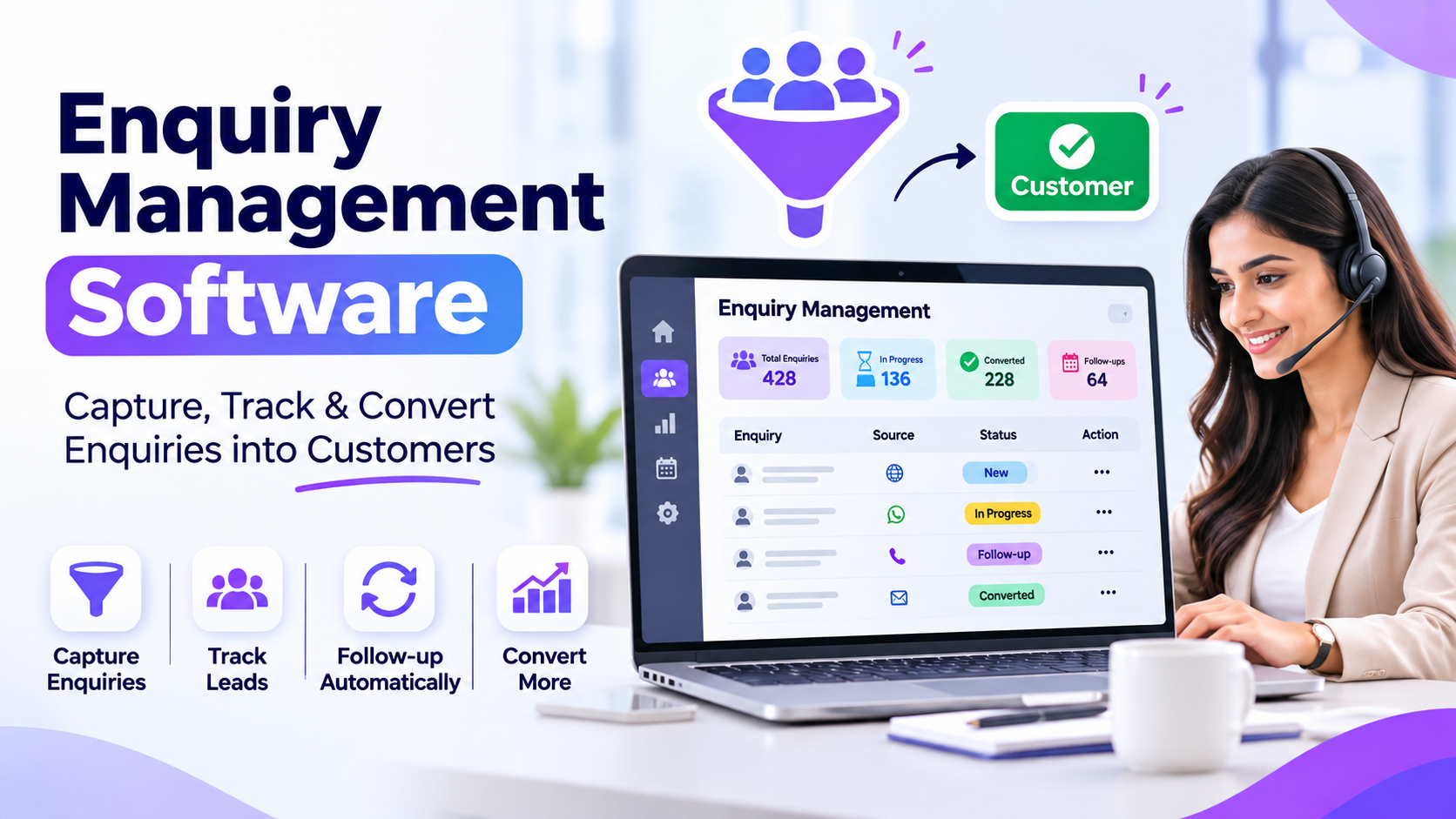
Every business loses leads. Usually not because the product was wrong, but because nobody called back. A walk-in is noted on a paper pad, a phone enquiry stays in someone's head, a website form lands in an inbox nobody checks. A week later, the customer has bought from someone else.
An enquiry management system makes sure that never happens quietly. Sysfo Enquiry gives every lead one accountable handler and a callback date, then measures how many leads turn into business.
What is an enquiry management system?
An enquiry management system is a focused CRM for the top of the sales funnel. It captures enquiries from every source, assigns them to the right person, schedules follow-ups and reports on conversion. Unlike a heavy CRM, it is quick enough for a front desk to use while the customer is still standing there.
The Sysfo enquiry pipeline
Sysfo follows a simple five-stage flow:
- Capture. Record walk-ins, calls and referrals, or let website forms write enquiries in directly.
- Assign. Each enquiry gets a handler and a callback date.
- Follow up. Handlers see their own list under My Enquiries and act on due callbacks.
- Quote. Interested leads move into a proposal.
- Win. A won lead becomes a client and a sales order.
Key features
Fast capture. The Add Enquiry screen records contact, location, product, enquiry type, callback date and assigned employees. Search Enquiry looks across every field, so a returning caller is found in seconds.
Website form integration. Your website contact form can write enquiries straight into the system. No copy-paste from email.
Clean categories. Masters for Enquiry For, Enquiry Type and "How Did You Find Us" keep data tidy, so source reports are accurate.
Accountable ownership. The Enquiry Handler Log records every reassignment, with who did it and when. When a handler leaves or goes on leave, reassignment carries a logged reason.
Instant acknowledgement. Email and WhatsApp template libraries let you send replies in a click. An acknowledgement can go out automatically when an enquiry is recorded, quoting the reference number and handler name.
Reports that show what is working
Report | What it shows |
|---|---|
Enquiry Report | All enquiries, filtered and exportable |
My Enquiries | One handler's own pipeline |
Handler-wise Summary | Assigned, contacted, quoted, converted, overdue, conversion % |
Callback Date Report | Which follow-ups are due or missed |
Summary by Location | Where leads come from geographically |
Summary by Date, Month, Year | Lead volume trends |
The Handler-wise Summary is the one managers love. It turns "I think Ravi is good at closing" into a conversion percentage.
Why it pays off
No lead without an owner. Every enquiry has a named handler and a date.
Faster first response. Automatic acknowledgements tell customers you received their request.
Real source data. Knowing which channel converts helps you spend marketing money wisely.
Smooth handovers. The handler log means reassigned leads don't start from zero.
Measured, not guessed. Conversion is calculated, not estimated.
Who should use it
- Showrooms and retail stores with walk-in traffic
- Training institutes and schools handling admission enquiries
- Real estate, interiors and construction firms
- Service businesses that quote before they sell
- B2B companies with website and phone leads
From enquiry to invoice, without re-typing
Sysfo Enquiry works on its own, but it is most powerful with the rest of the suite:
- A qualified enquiry becomes a branded quotation in Proposal Management Software.
- An accepted proposal becomes a client, order and invoice in GST Billing & Invoicing Software.
- The whole flow lives inside Sysfo ERP.
To drive more enquiries into the system, pair it with Sysfo's search engine optimization and Google Ads services.
At a glance
Item | Value |
|---|---|
Screens | 18 |
Reports | 8 |
Template libraries | 2 (Email, WhatsApp) |
Handler per lead | 1, always accountable |
Getting started
Onboarding covers masters, handlers, the website form and templates, followed by training and go-live.
Frequently asked questions
Can website enquiries be captured automatically? Yes. Your website contact form writes enquiries directly into the system.
How are enquiries assigned? Each enquiry gets a handler and a callback date. Every reassignment is logged with a reason.
Can I reply on WhatsApp? Yes. Email and WhatsApp templates are built in, and acknowledgements can go out automatically.
Which reports show conversion? The Handler-wise Summary shows assigned, contacted, quoted, converted and overdue leads with conversion percentage.
Can enquiries become quotations and invoices? Yes, with the Proposal and Sales & Invoicing modules.
Stop losing leads
Give every enquiry an owner today. Book a free demo or request a quote, or contact Sysfo on +91 76074 20009.