Software
Helpdesk Ticketing Software: Track Every Support Request, SLA and Recurring Problem
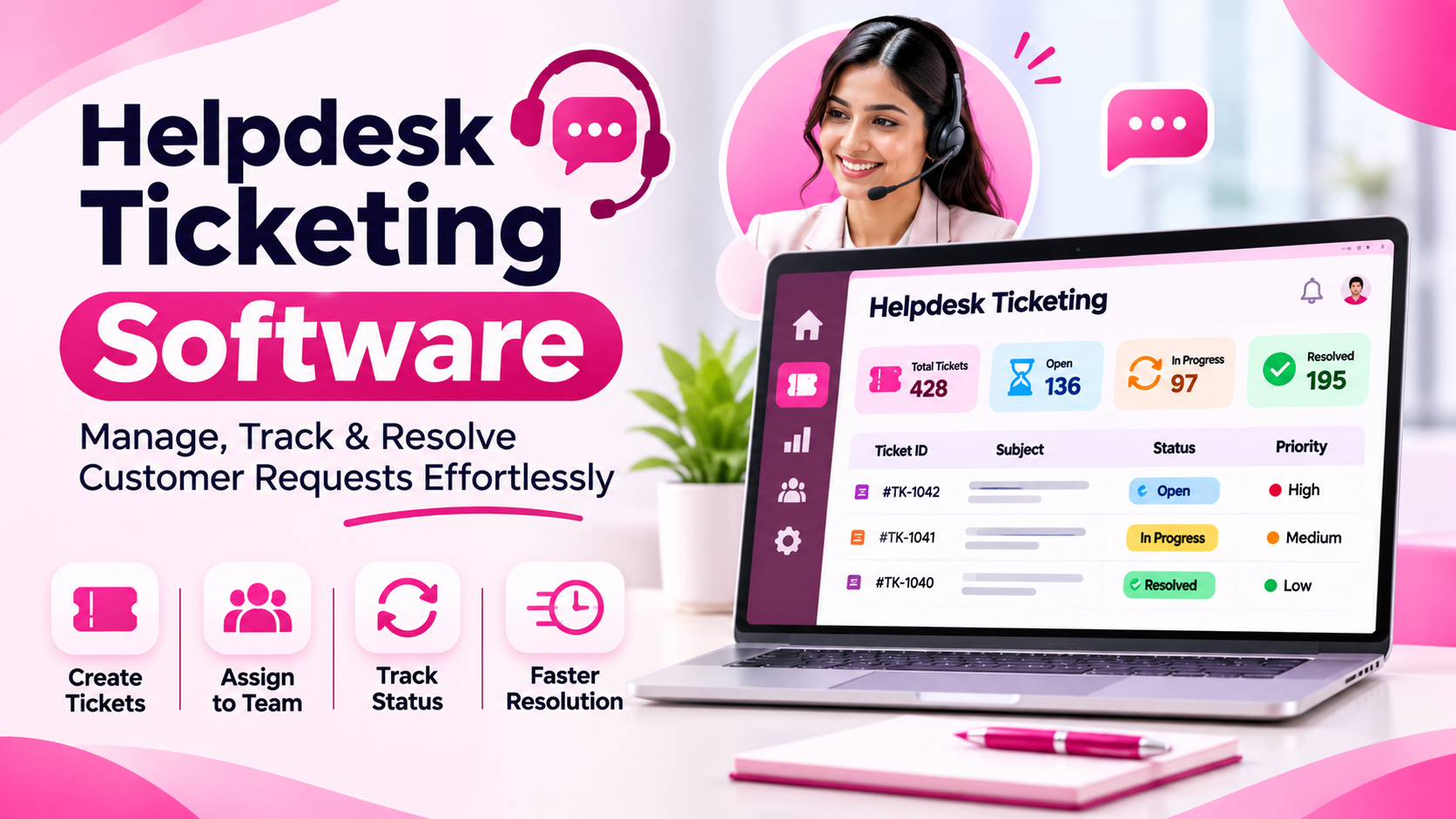
Support requests arrive from everywhere: phone calls, emails, WhatsApp messages, a quick word in the corridor. When there is no system, the loudest customer gets served first, quiet customers wait, and the same bug gets fixed five times because nobody notices the pattern. Helpdesk ticketing software gives every request a number, an owner and a clock. Sysfo HelpDesk & Support Ticket Software lets your team or your clients raise tickets, assigns them, tracks SLA from the moment they arrive and reports on what keeps going wrong.
Support requests arrive from everywhere: phone calls, emails, WhatsApp messages, a quick word in the corridor. When there is no system, the loudest customer gets served first, quiet customers wait, and the same bug gets fixed five times because nobody notices the pattern.
Helpdesk ticketing software gives every request a number, an owner and a clock. Sysfo HelpDesk & Support Ticket Software lets your team or your clients raise tickets, assigns them, tracks SLA from the moment they arrive and reports on what keeps going wrong.
How a ticket moves through Sysfo HelpDesk
- Raised by a staff member or by the client from their own panel, with task type, description and attachments.
- Assigned to the right person, who is alerted instantly.
- Worked with replies that notify the client.
- Closed once resolved.
- Reviewed in reports for ageing, workload and category trends.
Key features
Two ways to raise tickets. Your team can log a ticket against a client, or the client can raise it from the Client Panel. Clients see status and replies without sending another email.
SLA tracking from minute one. Each ticket is timestamped on arrival. Response and resolution times are measured and surfaced in the reports.
Tickets on the client record. Tickets sit next to the client's orders, invoices and subscriptions. Support staff see the full relationship before they reply.
Categorised by task type. A Task Type Master classifies tickets, which powers the category analysis that reveals recurring problems.
Alerts on Email, SMS and WhatsApp. Assignment alerts the assignee. Replies alert the client. Templates are fully under your control.
Internal project tasks kept separate. Project tasks run on the same engine but don't inflate your support numbers.
Reports that tell you three things
Question | Reports |
|---|---|
Are we responsive? | Ticket Summary, Resolution Time, Pending Tickets |
Is the load fair? | Employee Workload, Ticket Aging, Monthly Ticket Trend |
What keeps breaking? | Category-wise Analysis, Client-wise Ticket Report |
The last group is often the most valuable. If one product feature generates a third of all tickets, that is a product problem worth fixing once, not a support problem to handle forever.
Who it is for
- Support teams that log, assign and resolve tickets
- Support managers watching workload and response times
- Business owners looking for recurring product issues
- Clients who want to raise and track tickets themselves
- Software and IT service companies with AMC clients
- Hosting providers handling technical requests
Benefits
No request falls through the cracks. Every issue has a number and an owner.
Happier clients. They can see progress any time in their own panel.
Fair workload. Managers spot overloaded team members early.
Fewer repeat problems. Category analysis shows root causes.
Accountability you can measure. Resolution time is a number, not a feeling.
Part of the Sysfo suite
HelpDesk runs standalone or with other Sysfo ERP modules on one login and shared records. Useful pairings include:
- GST Billing & Invoicing, so tickets sit beside invoices and subscriptions
- Asset Management, for internal IT and repair tickets
- Enquiry Management, for a single client view from first enquiry to after-sales support
If you also need ongoing technical help for your own software, see Sysfo's software maintenance and support service.
At a glance
Item | Value |
|---|---|
Screens | 12 |
Support reports | 8 |
Ways to raise tickets | 2 (team or client) |
Alert channels | Email, SMS, WhatsApp |
Getting started
Onboarding covers task types, assignment rules, notification templates and client logins, followed by team training.
Frequently asked questions
Can clients raise tickets themselves? Yes, from the Client Panel, against their own record.
How is SLA tracked? Each ticket is timestamped on arrival. Response and resolution times appear in ageing, resolution and pending reports.
Are notifications automatic? Yes, by Email, SMS and WhatsApp.
Can I find recurring problems? Yes, with task types, category-wise analysis and client-wise reports.
Are internal project tasks mixed with support tickets? No. They are reported separately.
Give your support team a real system
See Sysfo HelpDesk handle your tickets. Book a free demo or request a quote, or contact Sysfo on +91 76074 20009.