Business
WhatsApp Business API Integration: A Complete Guide for Businesses
The WhatsApp Business API (WhatsApp Business Platform) lets businesses send and receive WhatsApp messages at scale from their own software, using approved templates, chatbots and multiple team members. WhatsApp Business API integration connects WhatsApp to your CRM, ERP, e-commerce or support system for order updates, reminders, OTPs, lead follow-ups and customer support.
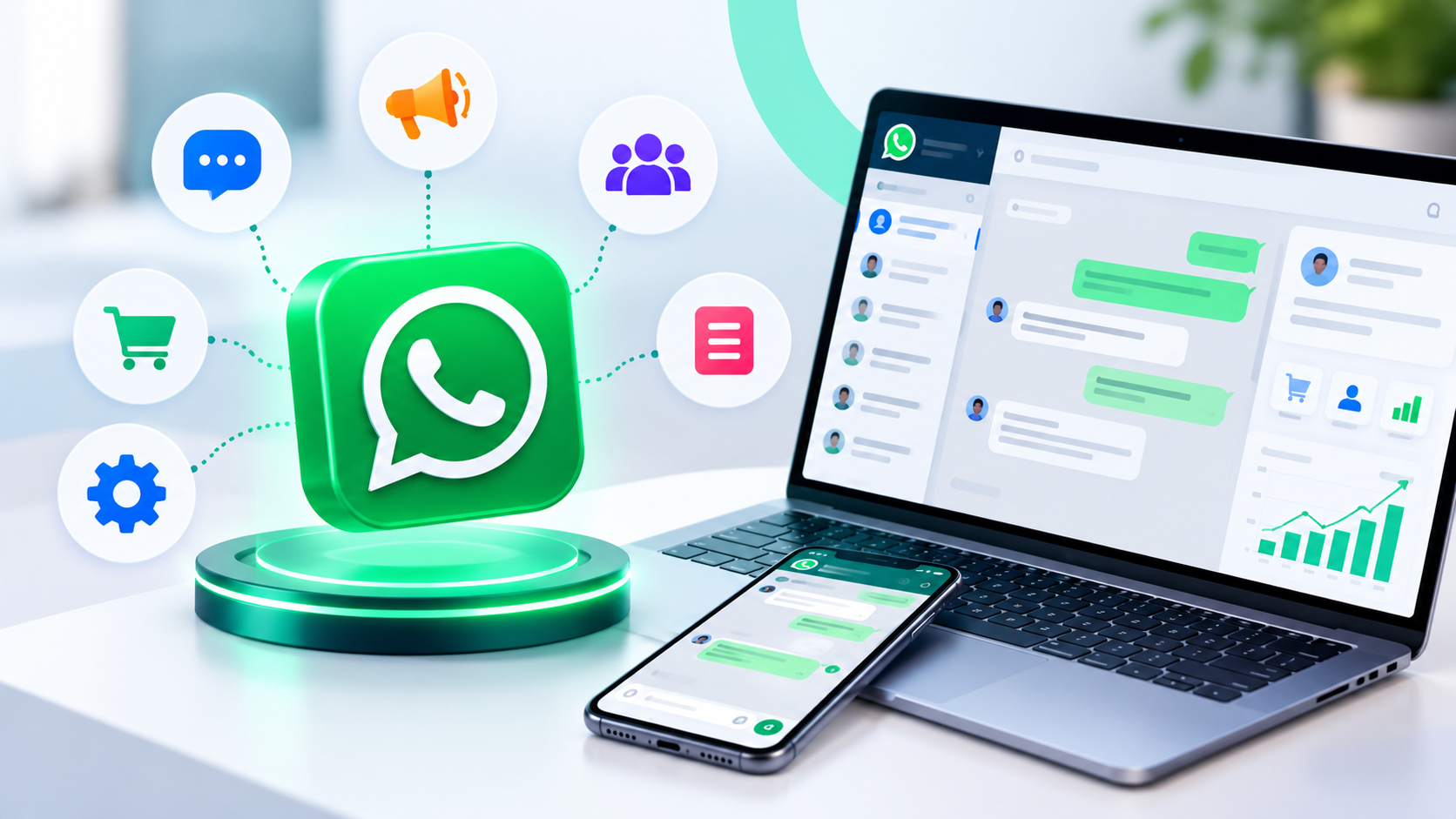
WhatsApp is where Indian customers already are. But the free WhatsApp Business app on a single phone can't handle hundreds of chats, multiple agents or automatic notifications. That's where WhatsApp Business API integration comes in.
In this guide:
- WhatsApp Business App vs API
- 10 business use cases
- How integration works
- Pricing basics and rules
- Best practices and FAQs
WhatsApp Business App vs API
WhatsApp Business App | WhatsApp Business API | |
|---|---|---|
Users | 1 phone (limited linked devices) | Many agents through software |
Automation | Basic quick replies | Chatbots, workflows, integrations |
Notifications | Manual | Automatic from your systems |
Integrations | None | CRM, ERP, e-commerce, helpdesk |
Best for | Very small shops | Growing businesses and brands |
10 Use Cases for WhatsApp Business API
- Order confirmations and delivery updates
- Payment reminders with payment links
- Appointment booking and reminders
- Lead capture from ads that click to WhatsApp
- Customer support with chatbot plus human handover
- OTP and account alerts
- Invoice and receipt sharing directly from billing software
- Abandoned cart reminders for e-commerce
- Feedback and review requests
- Internal reports to owners and managers
How WhatsApp Business API Integration Works
- Set up a WhatsApp Business Account under Meta Business Manager and verify your business.
- Register a phone number dedicated to the API.
- Connect through the Cloud API or a Business Solution Provider (BSP).
- Create message templates for notifications and get them approved.
- Integrate with your software using APIs and webhooks.
- Add a chatbot and team inbox for two-way conversations.
Pricing Basics and Rules
- Meta charges for business-initiated messages based on category (such as marketing, utility and authentication) and country; customer-service replies within the service window are treated differently.
- BSPs may add their own platform fees.
- Customers must opt in to receive messages.
- Templates must follow WhatsApp's commerce and messaging policies.
Pricing models change, so always check Meta's current WhatsApp Business Platform pricing.
Expert tip: use utility messages (order updates, reminders) generously and marketing messages carefully. Too many promotions lead to blocks and lower quality ratings.
Best Practices
- Get clear opt-in on forms and checkout.
- Personalise messages with names and order details.
- Keep templates short with one clear action.
- Offer an easy way to reach a human.
- Track delivery, read and response rates.
- Protect customer data and follow DPDP requirements.
Common Mistakes
- Messaging people who didn't opt in.
- Sending too many promotional broadcasts.
- No human handover from the chatbot.
- Not integrating with CRM, so conversations are lost.
Frequently Asked Questions
What is the WhatsApp Business API? Meta's platform that lets businesses message customers at scale from their own software.
Is WhatsApp Business API free? No. Meta charges per message category, and providers may add fees.
Can I use my existing WhatsApp number? Often yes, after migrating it to the API, but it can't stay on the normal app at the same time.
Do I need a chatbot? Not always, but a chatbot handles common questions 24×7.
How do I get the green tick? By applying for an official business account; approval depends on Meta's criteria.
Can WhatsApp connect to my ERP or CRM? Yes, through API integration.
Connect WhatsApp to your business software
Sysfo's API development team integrates WhatsApp Business API with your CRM, ERP, e-commerce and support systems. Our Enquiry Management System and ERPPilot already work with WhatsApp.